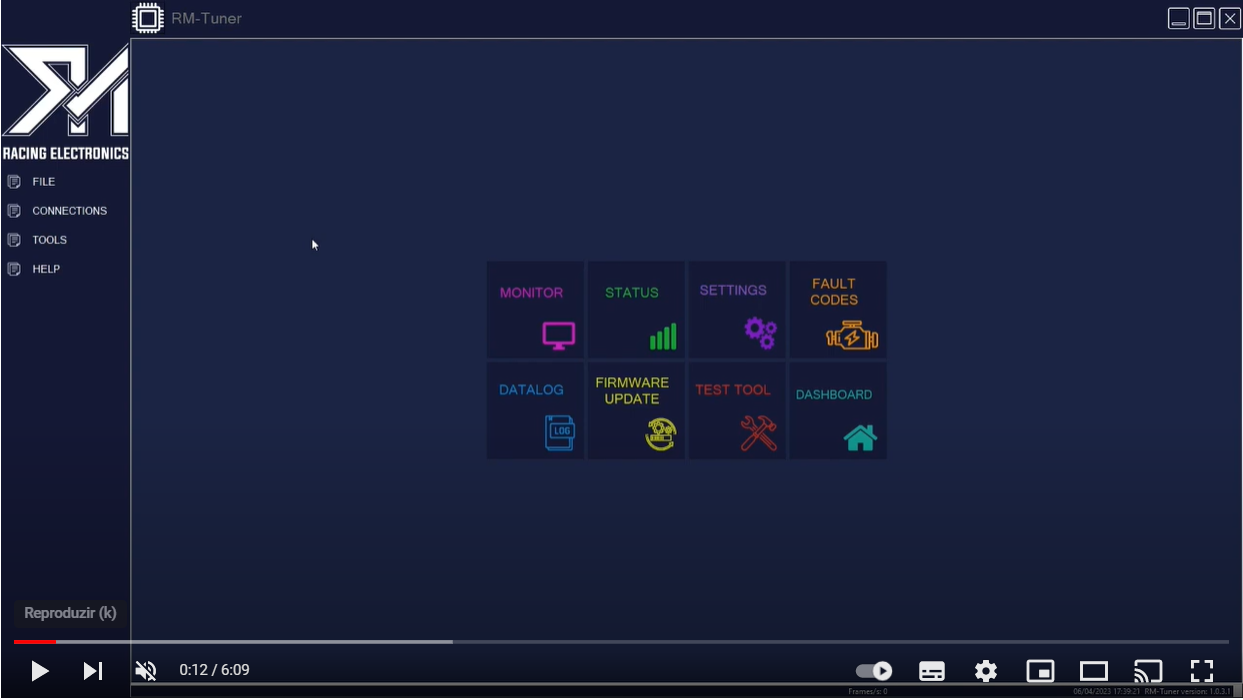
¶ RM Tuner - Tuning & Datalogging
Below you can find the link to download RM-Tuner installer and a generic basemap.
-Start by extracting and running both installers, they will install all the necessary files to successfully run RM-Tuner, after installation is complete you can run RM-Tuner from your desktop, to load the basemap click on File->Open and select the basemap, RM-Tuner will enter in file editing mode and stay on it until an ECU is connected.
-To learn more about the options/functionalities available on RM-Tuner just place your mouse pointer over the tool tips, these are little question marks ''?'' available on most settings and they contain a short description about that setting.
Download RM-Tuner latest version
How to Install RM-Tuner and Manually Install the USB Drivers, Click Here
Quick Start Guide (click below it will open a new tab)